![logo-blue copy 2.png]](https://help.nozzle.io/hs-fs/hubfs/logo-blue%20copy%202.png?height=33&name=logo-blue%20copy%202.png)
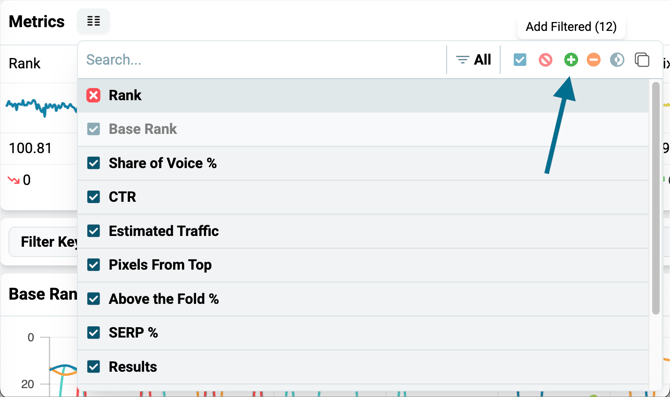
These are the Metrics that are visible by default on all dashboards: 
You can click on the metric selector button and then choose to turn on or turn off any of the metrics.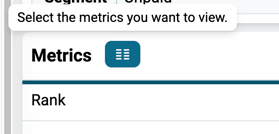
For example:
Also, your metric selection affects the columns that appear in the table further down the page too: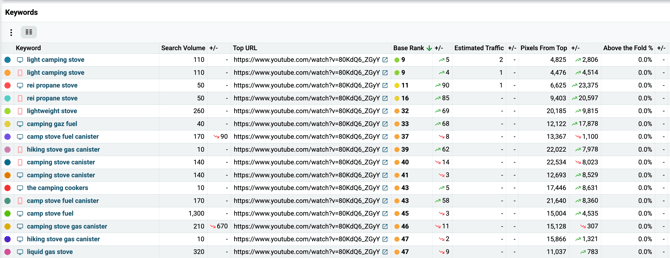
To quickly restore the default list, click on the red Clear All button: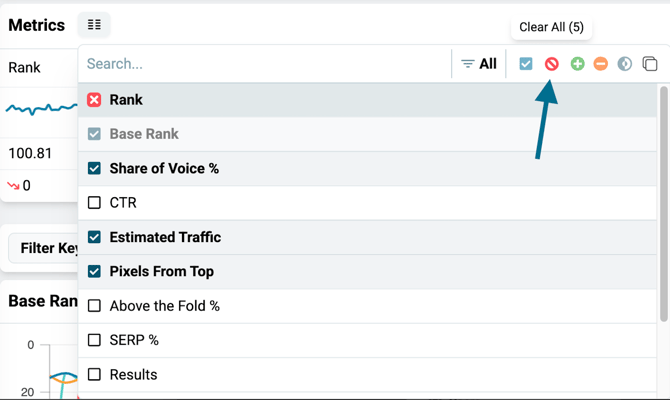
To quickly select all the metrics, click on the green Add Filtered button: