![logo-blue copy 2.png]](https://help.nozzle.io/hs-fs/hubfs/logo-blue%20copy%202.png?height=33&name=logo-blue%20copy%202.png)
You can customize the historical chart on the Share of Voice dashboard to display your brand’s colors instead of the default colors automatically selected by Nozzle (as shown in the image below).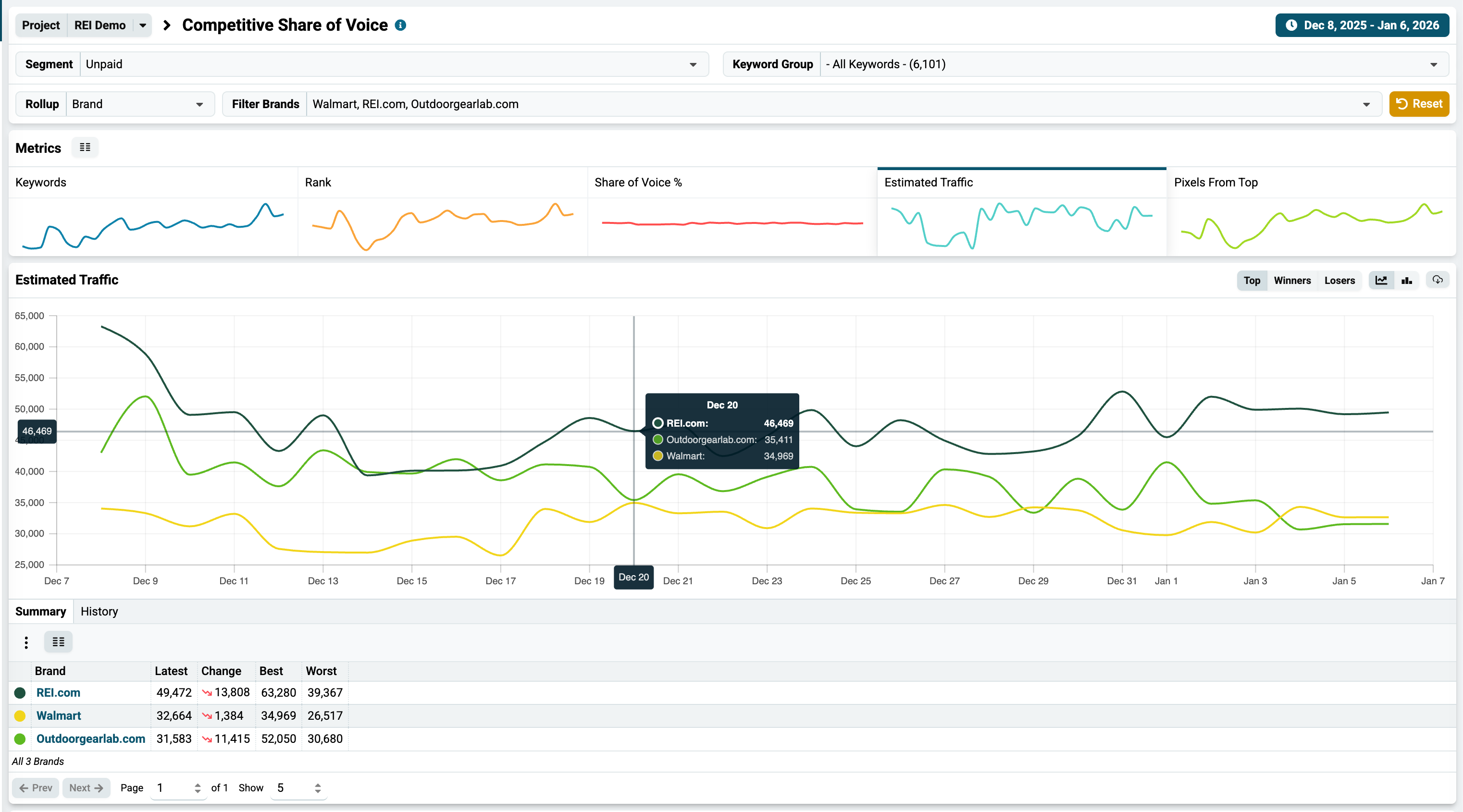
To do this, go to Brands Manager and enter your desired color in the Brand Color field for each brand.

After saving your changes, navigate back to the Share of Voice dashboard and set the Rollup dropdown to Brand. The chart will then display each brand using its custom color.